
Category Archives: Knowledge
Explore the WPStore+ Knowledge Base for practical WordPress and WooCommerce guides, troubleshooting tutorials, SEO tips, security best practices, setup instructions, and website maintenance advice. These articles are written for site owners, store operators, and WordPress professionals who need clear, reliable guidance for real-world website management.
How to Fix the “Error Establishing a Database Connection” in WordPress
Error Establishing a Database Connection is a WordPress message that appears when the website cannot [...]
Jul
How to Speed Up a Slow WordPress Website
If you need to speed up a slow WordPress website, you must understand that performance [...]
Jul
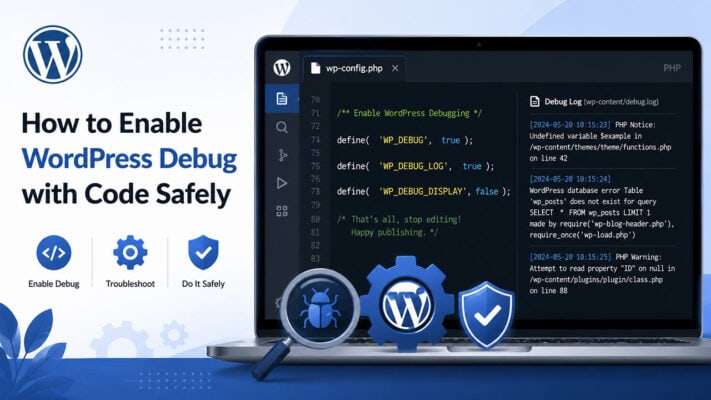
How to Enable WordPress Debug with Code Safely
WordPress debug can help you identify PHP errors, warnings, notices, and plugin conflicts when your [...]
Jul
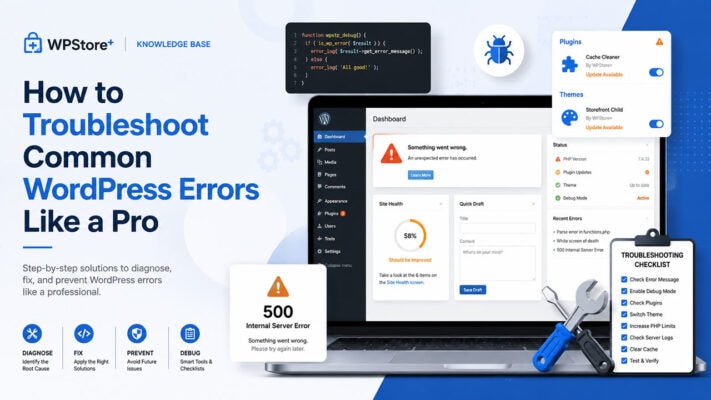
How to Troubleshoot Common WordPress Errors Like a Pro
WordPress errors can appear unexpectedly and affect your website’s layout, login access, checkout process, admin [...]
Jul

How to Protect WordPress wp-admin and wp-login.php with Cloudflare WAF
Cloudflare WAF for WordPress helps website owners reduce unwanted access attempts to sensitive WordPress admin [...]
Jul
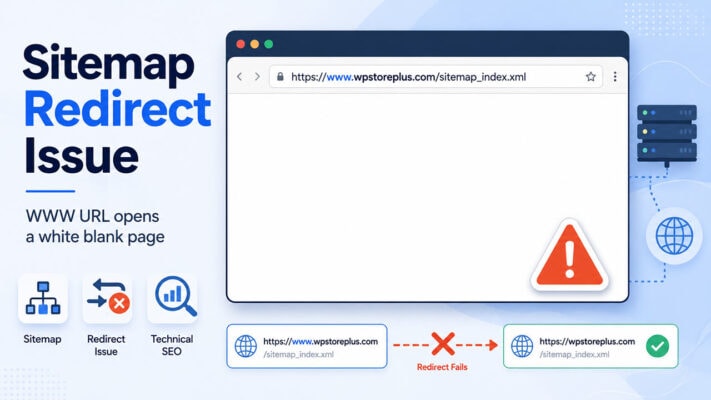
Why Your WordPress Sitemap May Fail on the WWW Version but Work on the Non-WWW Version
Sitemaps are an important part of technical SEO. They help search engines discover your important [...]
Jul
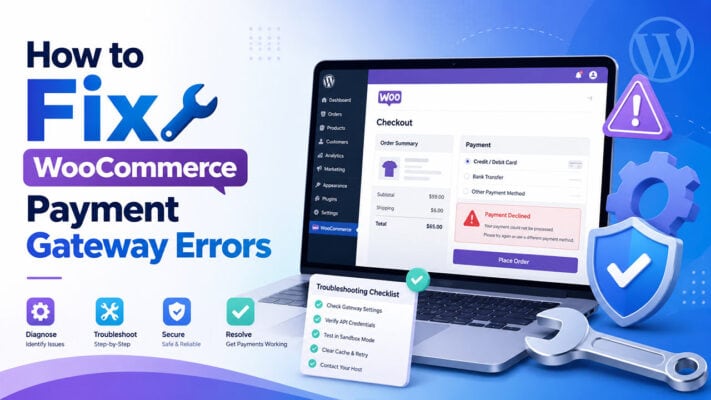
How to Fix WooCommerce Payment Gateway Errors
WooCommerce Payment Gateway Errors can happen when a payment method is not configured correctly, a [...]
Jun
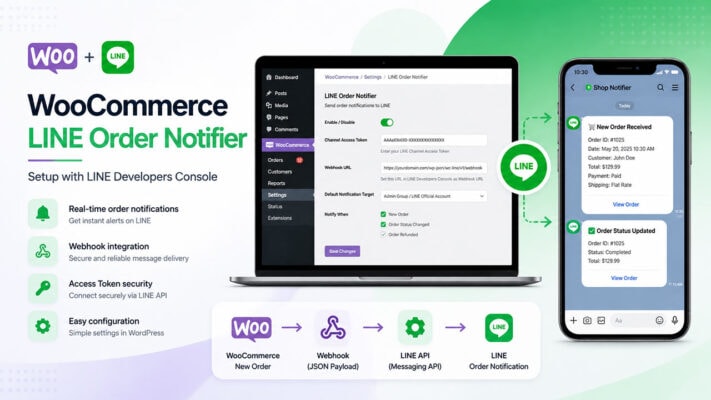
How to Set Up WooCommerce LINE Order Notifier with LINE Developers Console
WooCommerce LINE Order Notifier helps store owners receive real-time order notifications directly in LINE. After [...]
Jun

How to Recover a Hacked WordPress Website
WordPress hacked website recovery should be handled carefully because a compromised website may contain malware, [...]
Jun

How to Protect WordPress from Brute Force Attacks
WordPress brute force protection is an important security step for every WordPress website, especially websites [...]
Jun