
Knowledge, WordPress Tips & Tutorials
How to Speed Up a Slow WordPress Website
Jun
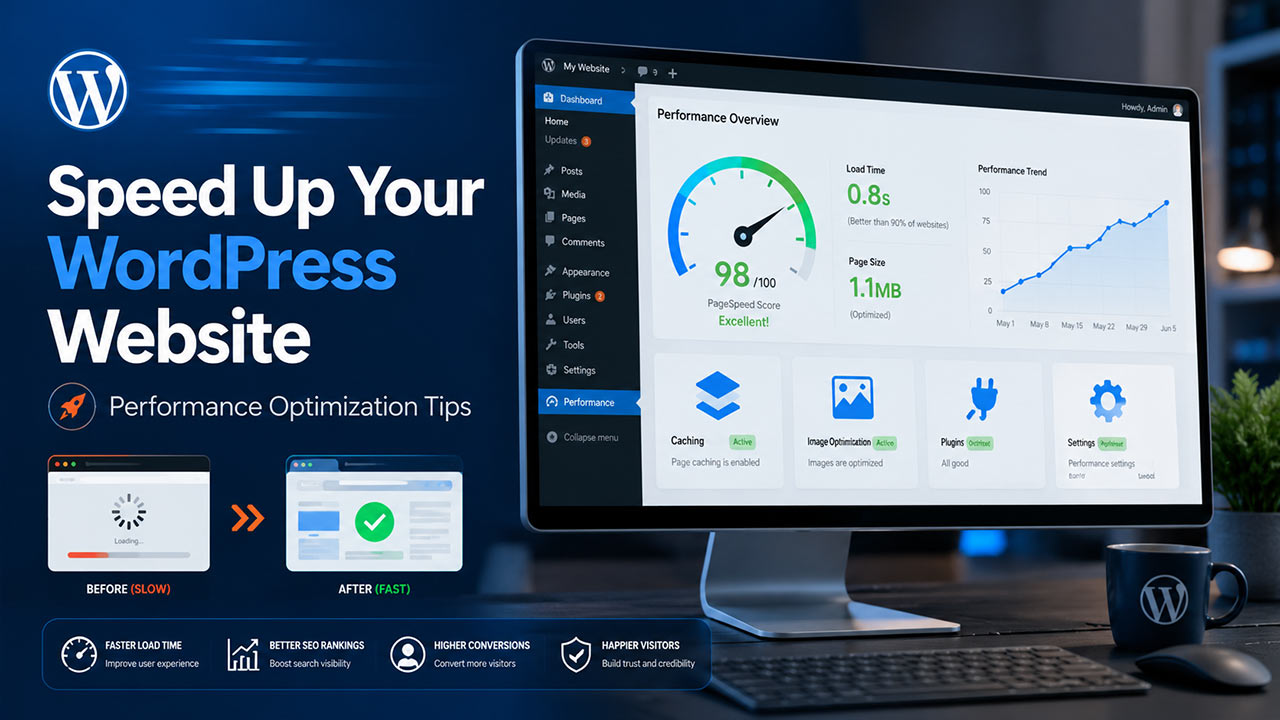
How to Speed Up a Slow WordPress Website is an important question for website owners, bloggers, online stores, and businesses that rely on WordPress to reach their audience. A slow website can reduce visitor engagement, increase bounce rates, and affect overall search engine performance. In many cases, the issue is not caused by WordPress itself, but by hosting limitations, heavy plugins, large images, poor caching, or unoptimized themes. ⚡
Website speed has become a major part of modern website management. Visitors expect pages to load quickly, especially on mobile devices. For WooCommerce stores, even a small delay may affect checkout behavior and customer confidence. This is why improving WordPress performance should be treated as a regular maintenance task, not only as a one-time technical fix.
Why WordPress Websites Become Slow
A WordPress website may become slow for several reasons. Common causes include low-quality hosting, outdated plugins, large media files, unused scripts, database overhead, and excessive third-party services. In some cases, a website may also slow down after installing a new theme or plugin that adds too many scripts to the front end.
📍 Hosting is often one of the first areas to review. Shared hosting can be affordable, but it may not always provide enough resources for growing websites. If the server response time is high, even a well-optimized WordPress installation may still load slowly.
Plugins are another important factor. WordPress plugins add useful features, but too many active plugins can increase database queries, load extra CSS or JavaScript files, and create conflicts. Website owners should regularly review installed plugins and remove anything that is no longer needed.
Practical Steps to Speed Up WordPress
The first practical step is to install a reliable caching plugin. Caching helps reduce server load by serving static versions of pages to visitors. Popular caching tools can also help with browser caching, file optimization, and page preload settings.
Image optimization is another key improvement. Large images are one of the most common reasons for slow page loading. Website owners should compress images before uploading them or use an image optimization plugin that supports modern formats such as WebP. This can reduce file size while maintaining acceptable visual quality.
Another useful step is to update WordPress core, themes, and plugins. Updates often include performance improvements, bug fixes, and security patches. However, updates should be done carefully, especially on business websites. It is recommended to create a backup before applying major updates.
Website owners should also review their theme. A lightweight and well-coded theme can improve loading speed significantly. Heavy themes with too many animations, sliders, and built-in features may look attractive, but they can slow down the website if not configured properly.
Additional Performance Checks
Database optimization can also help improve WordPress speed. Over time, databases may collect post revisions, spam comments, expired transients, and unused data from removed plugins. Cleaning the database can reduce unnecessary load and improve backend performance.
A Content Delivery Network, or CDN, can also be helpful for websites with visitors from different countries. A CDN stores copies of website files on multiple servers around the world, helping visitors load content from a location closer to them. 🌎
For WooCommerce websites, performance optimization should be handled carefully. Cart, checkout, and account pages should usually be excluded from full-page caching to avoid customer session issues. Store owners should also monitor payment gateways, shipping plugins, and product filters, as these features can affect performance.
What Website Owners Should Avoid
Website owners should avoid installing too many optimization plugins at the same time. Using multiple caching, minification, or image optimization plugins together can create conflicts and cause layout issues. It is better to choose one reliable tool for each purpose and test the website after every major change.
Another common mistake is focusing only on performance scores. Tools such as speed testing platforms are useful, but real user experience is more important. A website should be fast, stable, and functional across desktop and mobile devices.
FAQs
What is the best way to speed up a slow WordPress website?
The best way to speed up a slow WordPress website is to combine several steps, including better hosting, caching, image compression, plugin cleanup, database optimization, and theme review. No single method works for every website, so testing is important.
Can too many plugins slow down WordPress?
Yes. Too many plugins can slow down WordPress, especially if they load scripts on the front end, create many database queries, or conflict with other plugins. Website owners should keep only the plugins they actually use.
Should I use a CDN for my WordPress website?
A CDN is useful if your website receives visitors from different locations or uses many static files such as images, CSS, and JavaScript. It can help reduce loading time and improve global performance.
Is image compression safe for website quality?
Image compression is generally safe when done properly. The goal is to reduce file size while keeping images clear enough for visitors. Using WebP format can also help improve loading speed.
Summary
How to Speed Up a Slow WordPress Website is a practical process that requires careful review of hosting, plugins, images, caching, database health, and theme performance. A faster website can improve user experience, support SEO efforts, and create a more professional impression for visitors.
While WordPress speed optimization may seem technical at first, many improvements can be done step by step. Website owners should begin with basic checks, test each change carefully, and avoid unnecessary tools that may create conflicts. With proper maintenance and regular monitoring, a slow WordPress website can become faster, more stable, and more reliable for long-term growth. ✅
Call To Action
Need help improving your WordPress website speed? WPStore+ provides professional WordPress performance optimization, plugin troubleshooting, and WooCommerce support services to help your website load faster, work more reliably, and deliver a better experience for your visitors. 🚀
If your WordPress website is slow, unstable, or difficult to optimize, our team can help review the issue and recommend practical solutions based on your website’s actual condition.
Contact WPStore+ today to get professional WordPress support and make your website faster, cleaner, and more reliable.